
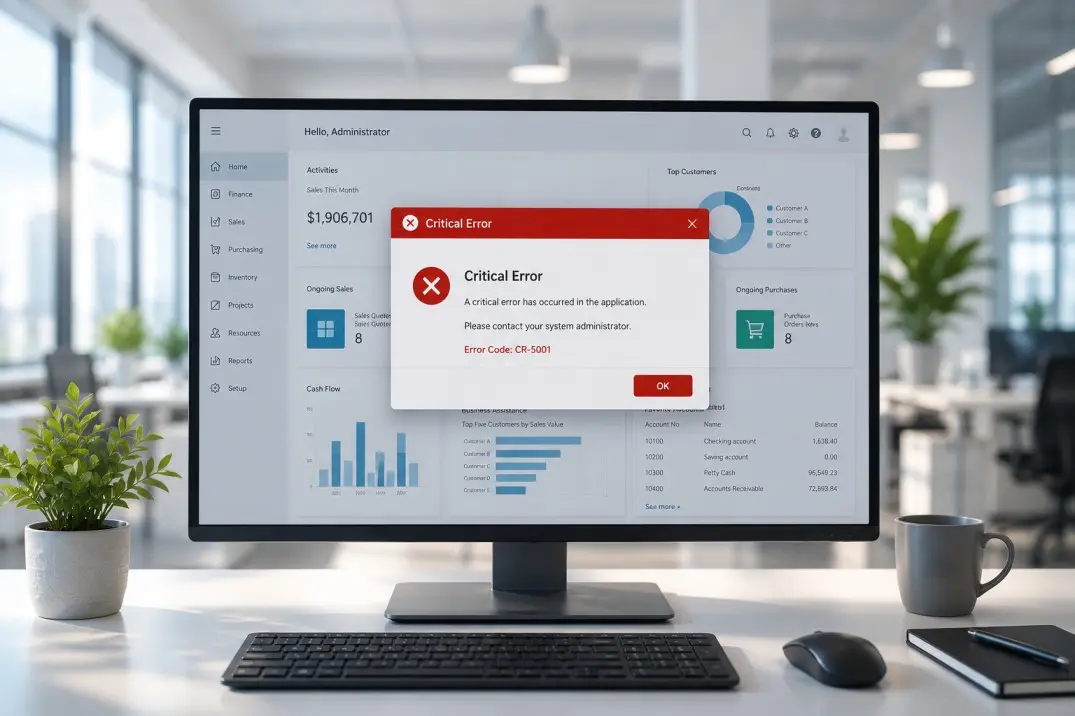
It's 4:47 PM on Friday. Month-end close is due in three hours. Someone in finance triggers the batch posting job, and Business Central just... stops. No error message that makes sense. No obvious cause. Just a spinning wheel, a Slack channel filling up fast, and a CFO asking "is this fixed yet?" every eight minutes.
If you've lived this moment, you already know the real crisis isn't the outage. It's the forty minutes you spend figuring out who to call, and the sinking feeling when the answer is "whoever picks up the support line."
This is the moment that separates ERP vendors from ERP partners. And it's worth understanding before you're the one refreshing your inbox at 5 PM on a Friday.
Why Business Central Breaks Down in the First Place
Business Central rarely fails because Microsoft's cloud infrastructure fell over. It's usually something closer to home:
- A third-party ISV extension that hasn't been updated for the latest release wave, quietly breaking a posting routine
- Permission or role-center misconfigurations introduced during a recent update
- Integration failures — a sync job to a warehouse system, a Power Automate flow, or an API connection that silently stops mid-transaction
- Data volume issues, where a report or job queue entry that worked fine at 10,000 records grinds to a halt at 500,000
- License or environment changes that nobody flagged to IT before they went live
None of these are exotic. They're the ordinary friction points of running a live ERP system with real users, real integrations, and real deadlines. What varies enormously is what happens in the fifteen minutes after something breaks.
The 3 AM Test: What Separates Good Support From Great Support
Ask any operations leader who's been through a real outage, and they'll tell you the same thing: you don't find out what your support partner is actually worth during a demo. You find out during a crisis.
Here's a simple gut check, call it the 3 AM test. If your warehouse system goes down at 3 AM before a big shipment:
- Do you know exactly who to contact, or are you searching for a support email?
- Does that person already understand your environment, your customizations, your integrations, or are they starting from a blank ticket?
- Is there a defined response time, or is "someone will get back to you" the actual SLA?
- Will the fix address the root cause, or will it patch the symptom and reappear next month?
Most support contracts pass the sales pitch. Very few pass the 3 AM test.

What Good Support Actually Looks Like
Real crisis-grade support isn't about having a bigger ticketing system. It's built on a few unglamorous fundamentals that most vendors skip because they don't sound impressive in a proposal.
1. A Named Team, Not a Ticket Queue
The best Business Central support relationships work because a small, consistent group of consultants already knows your setup — your customizations, your integrations, your quirks. When something breaks, they're not starting from zero. They already know your general ledger structure has a non-standard dimension setup, or that your warehouse integration runs on a legacy API. That context alone can cut resolution time from hours to minutes.
2. Response Times That Are Actually Defined
"We'll prioritize it" is not an SLA. Good support partners define response and resolution windows by severity — a full system outage gets a different clock than a cosmetic report bug — and they hold themselves to it in writing, not just in conversation.
3. Root Cause, Not Just a Restart
Anyone can restart a service and buy you a few weeks. Good support digs into why the job queue entry failed, why the integration dropped the connection, and fixes that — so you're not back in the same Slack channel next quarter.
4. Proactive Monitoring, Not Just Reactive Fixing
The strongest support setups catch failing job queues, sync errors, or performance degradation before a user notices. A crisis prevented is worth more than a crisis resolved quickly — but it rarely gets talked about, because nothing visibly "happened."
5. Clear, Human Communication Throughout
During an outage, silence is the enemy. Good support partners send updates even when there's nothing new to report — "still investigating, next update in 30 minutes" — because a finance team staring at a broken screen needs to know someone is actually working the problem, not just that a ticket exists somewhere.
The Month-End That Almost Wasn't
This is a composite of a pattern we see often: a mid-sized distribution company running Business Central across three warehouses, with a custom integration feeding order data from their logistics provider. On the last day of the month, the integration silently fails partway through a batch, some orders sync, others don't, and nobody notices until the numbers don't reconcile.
With a reactive, ticket-queue support model, this typically plays out over two or three days: a support ticket gets logged, picked up by whoever's free, and the consultant has to first understand the integration before they can even begin diagnosing it.
Meanwhile, finance is manually cross-checking records against the logistics portal, and month-end close slips.
With a support team that already knows the environment, the same failure gets triaged within the hour — because the consultant already knows the integration exists, already has visibility into the job queue logs, and can isolate the failed batch instead of investigating the entire system from scratch.
The difference isn't intelligence. It's context, and having built that context before the emergency.

The Cost of Getting This Wrong
Downtime is rarely priced into the ERP conversation until it happens, and then it's the only thing anyone can talk about. Industry downtime surveys consistently put the cost of a serious outage at anywhere from a few thousand dollars an hour for smaller operations to well into six figures for larger enterprises, once you account for idle staff, delayed shipments, missed invoicing, and the scramble to manually patch around a broken process.
Manufacturing and distribution businesses, in particular, tend to feel ERP outages fastest, production and fulfillment are often the first things to stall when Business Central goes dark.
The real cost, though, is rarely the outage itself. It's the erosion of trust — in the system, and in whoever is supposed to be looking after it.
How to Evaluate a Support Partner Before You Need One
The best time to stress-test your support arrangement is when nothing is on fire. A few questions worth asking now:
- What's our actual defined response time for a P1 (full outage) issue — in writing, not in conversation?
- Do the people who'd answer our 3 AM call already know our environment, or would they be seeing it for the first time?
- Is there any proactive monitoring in place, or is every fix reactive?
- What does escalation actually look like if the first responder can't resolve it?
- Can we see examples of how similar issues were resolved for other clients?
If those answers feel vague, that vagueness is the risk, and it's a lot cheaper to fix on a quiet Tuesday than to discover it on a Friday at 4:47 PM.

Evaluating Support Before the Crisis Hits
Business Central will break down at some point, every live ERP system does. That's not a failure of the platform, it's the nature of running software that real people, real integrations, and real deadlines depend on every day.
What determines whether that moment costs you an hour or costs you a week is whether your support partner was built for the crisis, or just for the sales call.
Good support doesn't announce itself when things are running smoothly. It shows up in the fifteen minutes after something breaks, in whether someone who already understands your system picks up the phone, or whether you're explaining your setup to a stranger while the clock runs.